
Product catalog — overview
The Products module (Panel → Products) shows products synced from your
store and lets you configure how the bot talks about them: what to offer instead
of unavailable items and when to upsell. The panel does not create products in
the store — it mirrors the store enriched with conversation rules.
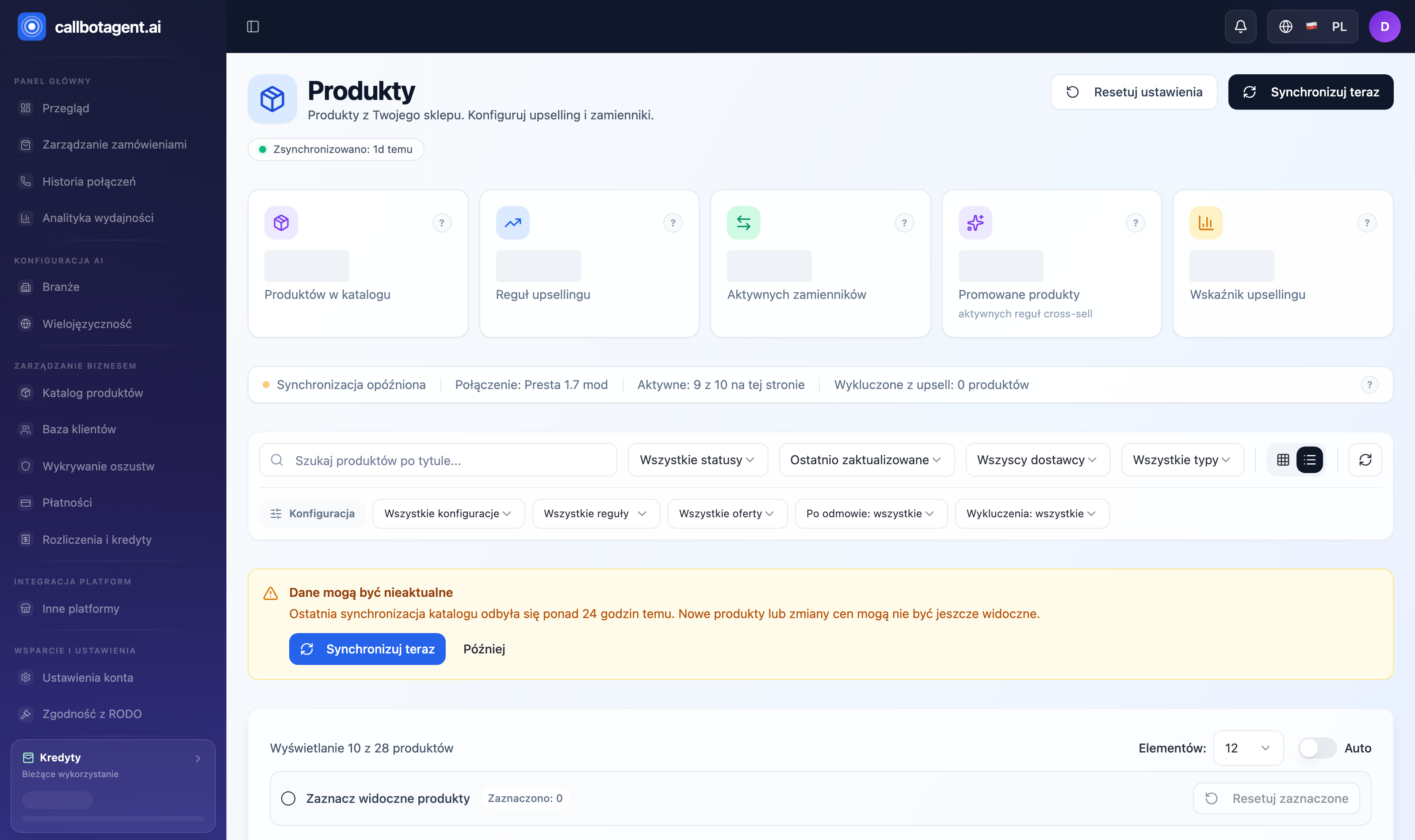 Products module — search, filters, and product cards with status and rules. Sample data (demo).
What you see in the list
Each product is a card with name, price, status, and rule badges:
| Badge | Meaning |
|---|---|
| Active / Draft / Archived | Product status in the store |
| ↑ Upsell rule | Upsell configured (larger pack with discount) |
| ↔ Replacement | Substitute product when unavailable |
| Promoted | Product has cross-sell rules (complementary items) |
| Not configured | No conversation rules yet |
| Excluded | Excluded from upsell by tag/settings |
Configure on a card opens rule settings for that product (details).
Switch between list and grid view. The list auto-refreshes; Sync now forces an immediate pull from the store.
Filters and search
Above the list: search and filters to narrow the catalog:
- Product status — active, drafts, archived.
- Vendor and product type — when enabled for your store.
- Configuration state — configured or without rules.
- Rule type — upsell, replacement, cross-sell, promoted.
- Upsell exclusion — show only excluded or only available.
- Sort — by name, created date, or sync time.
Where products come from
The catalog reads from the connected store (Shopify, PrestaShop, or other connector — see Store and connectors). If you see fewer products than in the store, run Sync now first, then check filters and archived status.
The bot only discusses products present in the synced catalog. Unavailable or archived products are not offered — keep variants and availability current (Variants, availability, archiving).