
Variants, availability, archiving
What the bot can discuss depends on catalog state: product variants, availability, and whether items are archived. This page explains how those three affect conversation.
Product variants
A variant is a specific version — size, color, pack size, etc. Variants come from the store; the product card shows variant price. The bot recognizes the variant linked to the order so it confirms exactly what the customer ordered — not a generic product.
Availability and stock
Availability decides whether a product can be offered at all:
| Situation | Bot behavior |
|---|---|
| Product available | Can confirm and — with rules — upsell |
| Product unavailable | Does not offer it; with a replacement configured, offers substitute |
| No replacement for unavailable item | Notes situation in report per decline rule |
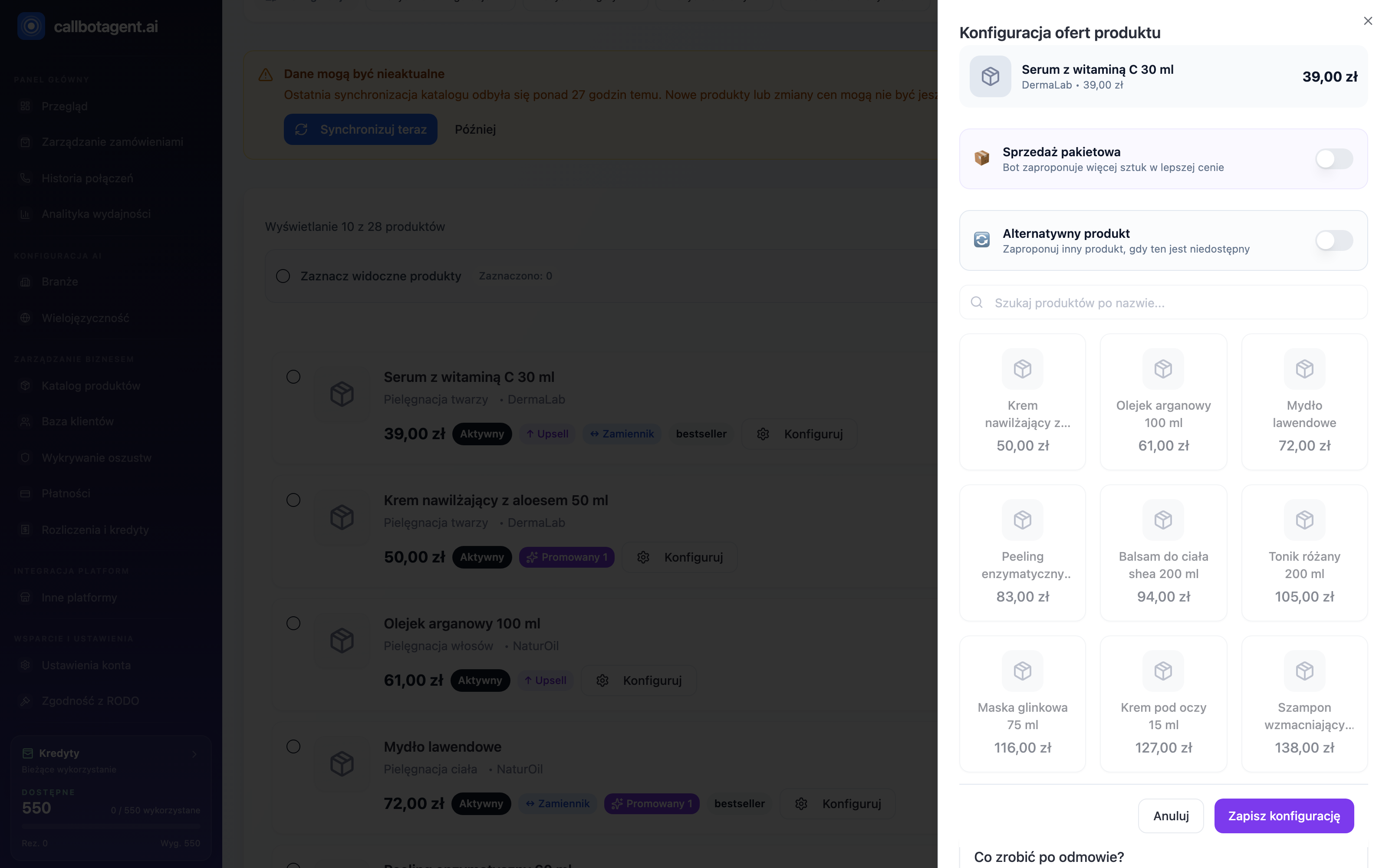 Product configuration panel shows selected variant price; "Alternative product" toggle is where you set the substitute when unavailable. Sample data (demo).
The bot will not push an unavailable product. To offer something else, set a replacement — see Rules: replacement, upsell, cross-sell.
Archiving products
An archived product leaves active conversation offers — treat archiving as "hide from bot catalog". Status (Active, Draft, Archived) comes from the store and appears on the card and in status filter.
- Active — participates in conversations and rules.
- Draft — unpublished; not offered.
- Archived — withdrawn; bot does not propose it.
To restore a product, set it active in the store and sync with Sync now.
Verification after sync
After large store changes, verify the catalog is current:
Run sync
Click Sync now and wait for refresh to finish.
Check status and variants
Filter by status and confirm variants and prices match.
Refresh the page
If the store recently passed connection tests, refresh the view after sync completes.
If a product is still missing after sync, check its status in the store and connector connection (PrestaShop, Store and connectors).