
Customer database — overview
The Customer database module (Panel → Customer database) lists customers synced from your
store. You see total spend, order count, marketing consent, and can review call
history with the bot.
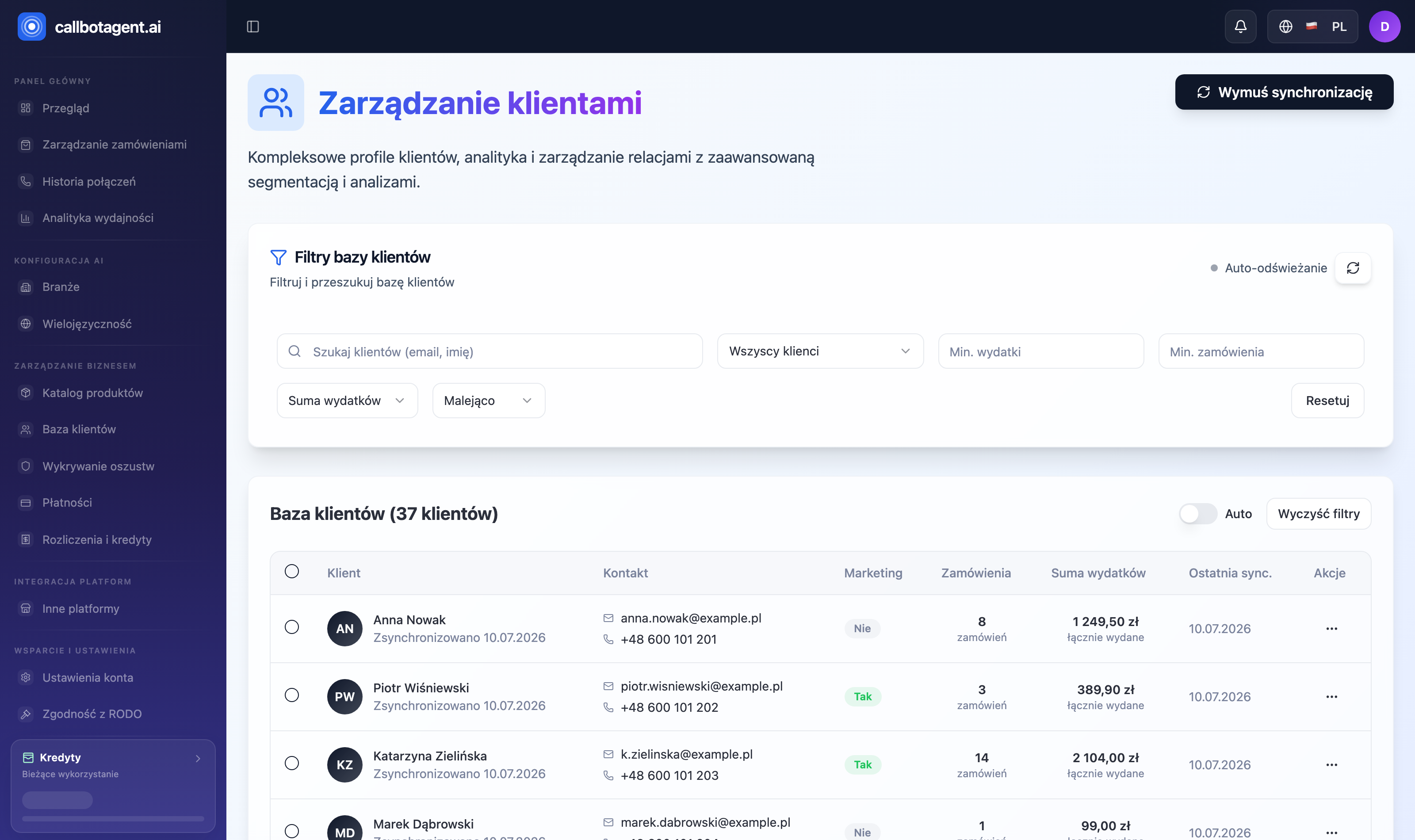 Customers module — list with contact data, spend, and order count. Sample data (demo).
What you see in the table
| Column | Meaning |
|---|---|
| Customer | Name and last sync date |
| Contact | Email and phone; "No contact details" when the store did not provide them |
| Marketing consent | Whether, according to your store, the customer agreed to marketing contact: Yes / No |
| Orders | Customer order count |
| Total spend | Sum in store currency |
| Synced | When customer data was last pulled from the store |
| Actions | Menu with Call history |
The list can auto-refresh (Auto-refresh every 30 s toggle). Refresh from store pulls customers from the store again; if the store is not connected, the panel shows an appropriate message.
Filters, sort, and actions
Above the table:
- Search — by first name, last name or email.
- Marketing consent — all / with consent / without consent.
- Minimum spend and minimum order count — numeric thresholds.
- Sort — by spend, order count, or sync date, ascending or descending. Reset clears all filters.
Customer call history
In Actions choose Call history to open all connections to that customer. Each row is one attempt: order number, date, whether answered, and short outcome. From there open the full report for a single call.
The Marketing consent column shows information pulled from your store. The system does not block calls based on it — before a call it checks only the Do Not Call list. Whether you have a lawful basis to call a customer is your decision as the data controller. See Consents, contact rights, customer DNC.