
Billing — overview
Billing and Subscription (Panel → Billing) show everything you pay for:
current plan, credit balance, usage, and invoices. The model combines three
pieces: plan (subscription), credits (units consumed by calls), and
invoices (billing documents). This page explains how they work together.
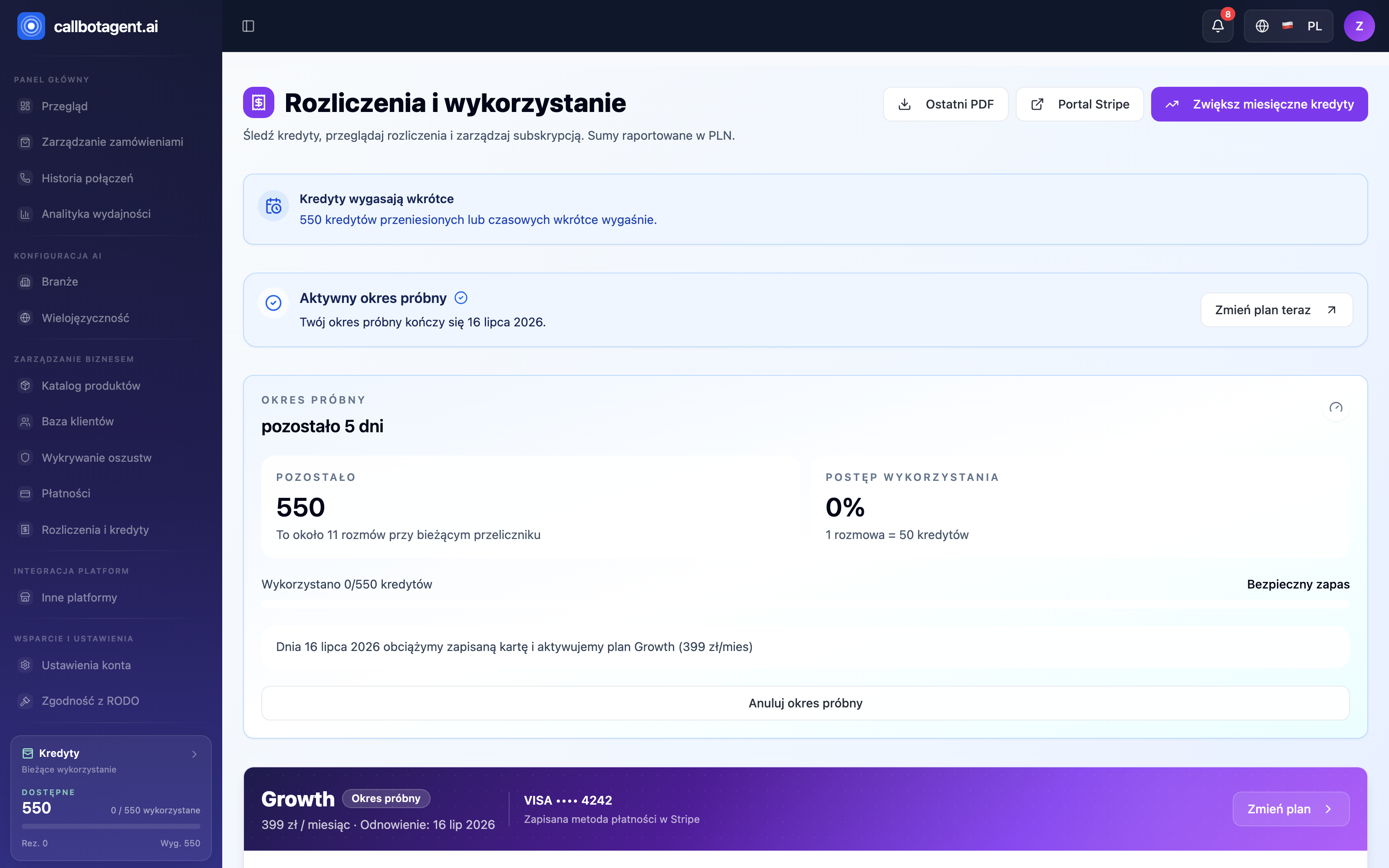 Billing and credits module. Sample data (demo).
What you see in billing
| Element | Meaning |
|---|---|
| Plan | your subscription — unlocks features and monthly credit pool |
| Credit balance | available credits consumed by calls |
| Usage | credits used in current period |
| Invoices | documents for paid periods and top-ups |
| Payment method | card used for charges |
How billing works
- Plan gives a monthly renewing credit pool and feature access.
- Credits are consumed when the bot runs customer calls.
- When credits run low you can top up once or enable auto top-up (details).
- Each paid period and top-up generates an invoice.
We separate two ideas: plan unlocks features and recurring pool; credits are actual usage units. You see separately what subscription enables and what calls really cost.
Billing cycle
Subscription renews on your billing date. The panel always shows renewal date (or trial end) so you do not guess. On billing day the plan credit pool resets for the new period.
Payment methods
Payments are processed securely through an external payment portal. Update card, billing address, and invoice details (tax ID/VAT) anytime from the portal linked in the panel.
Limits and credits
The panel shows how much of the current pool is used. Near depletion you get an in-app alert and guidance to top up or change plan. Unlimited plans are marked as unlimited.
Common questions
- Will I get a VAT invoice? Yes — add company name and tax ID in the payment portal; future invoices include those details.
- What happens after cancellation? Paid access lasts until end of current period.
- Plan change mid-cycle? Prorated billing (details).