
Retries and DNC list
Two rules control how persistently the bot retries and who must never be called: retry policy and the Do Not Call (DNC) list. DNC always wins.
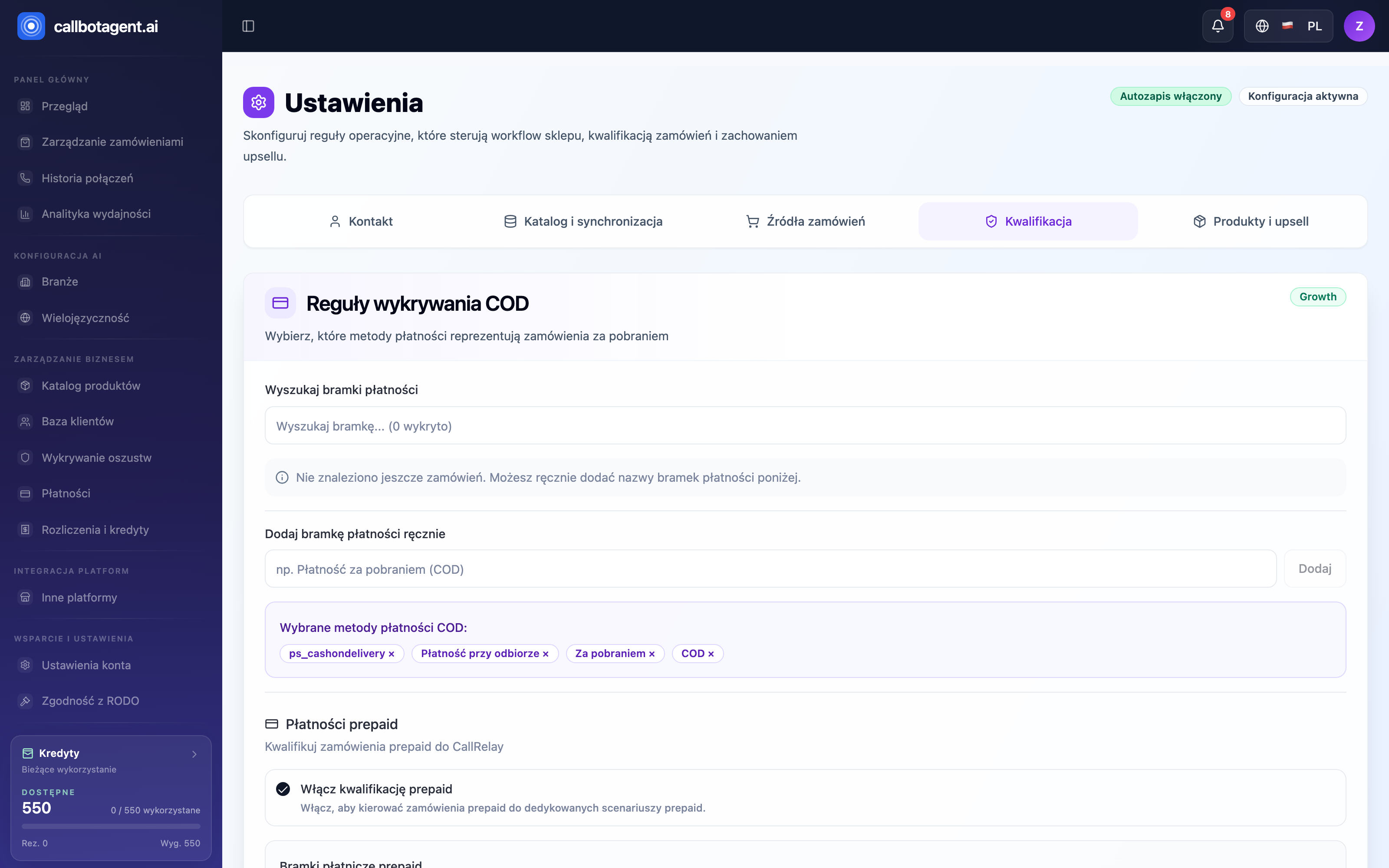 Order qualification settings — related to when the bot attempts calls at all. Sample data (demo).
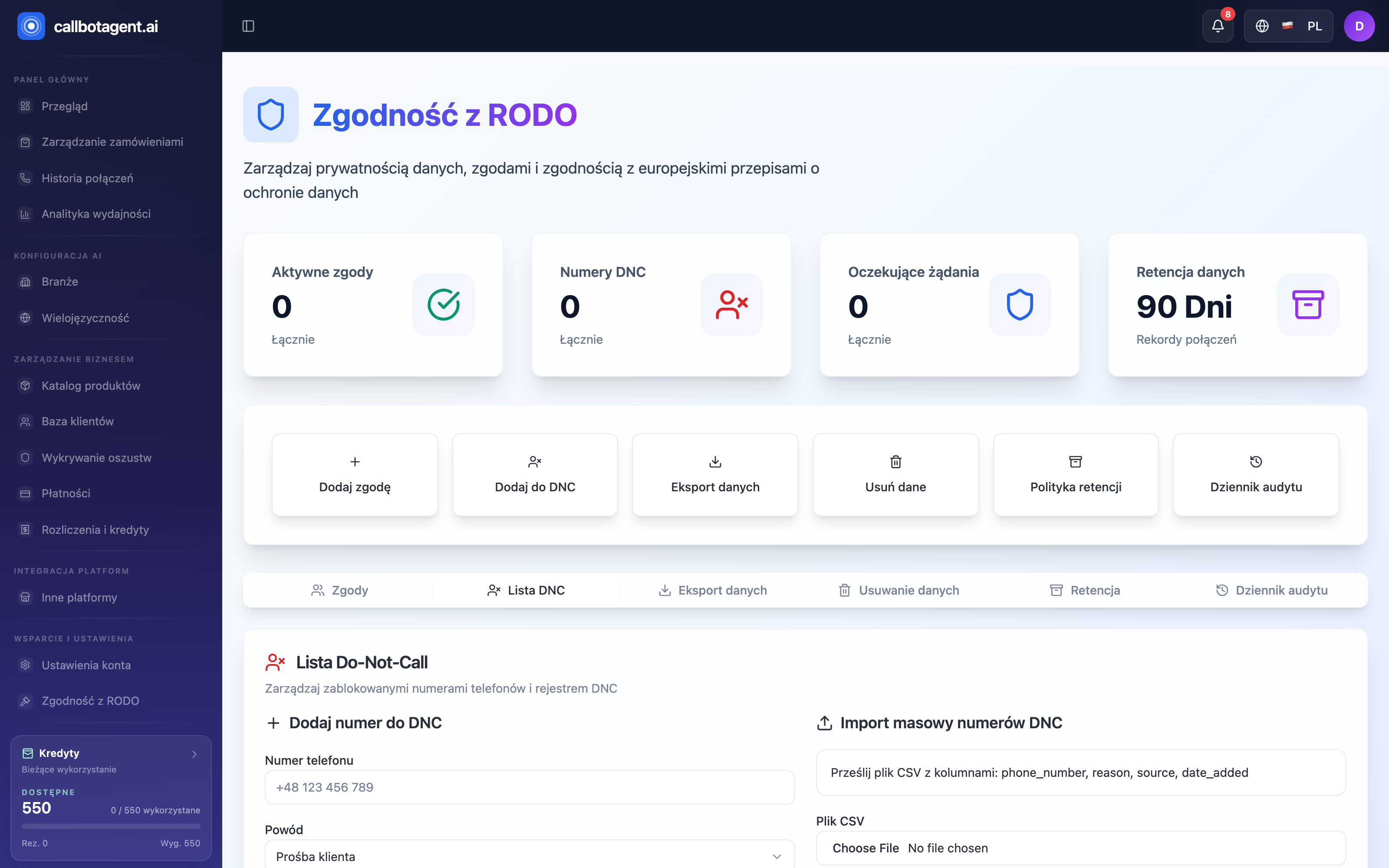 Do Not Call list — numbers excluded from queue. Sample data (demo).
When the bot retries
If the first attempt fails — no answer, busy line, or voicemail — the bot retries per market settings:
| Setting | What it defines |
|---|---|
| Maximum attempts | how many times the bot tries per order (typically 3) |
| Interval between attempts | minutes to wait before next try |
Each retry still respects business and quiet hours — if the next attempt would fall outside the window, it moves to the nearest allowed time.
What stops retries
Retries stop when one of these happens:
- Conversation happened — bot reached customer and finished; there is a report.
- Attempt limit reached — order gets Call failed status (see Statuses and order lifecycle).
- Closing disposition — outcome after which further attempts make no sense (e.g. clear customer decline).
Full attempt history for an order — times and results — is in Attempt history and dispositions.
Do Not Call (DNC) list
The DNC list is numbers the bot never calls, regardless of other rules. Manage it in GDPR compliance (DNC list tab). Numbers arrive via:
- Manual — single number with reason.
- Customer request — when customer asks not to be called during a conversation.
- Bulk import — CSV upload.
When adding, specify reason, e.g. customer request, repeated complaints, compliance control, or contact-hours violation.
DNC overrides any other rule. The number is not dialed even if the order perfectly qualifies and business hours are open.
DNC, consents, and privacy
DNC works with the consent registry. If a customer withdraws consent or submits a privacy request, treat it as a signal to stop contact — more in GDPR and privacy and Consents and contact.
Removing a number from the list
Remove a DNC entry in the same tab (edit or delete). Every add and remove is logged in the audit log so you know who restored contact permission and when.