
Why didn't the call happen?
If an order was not called or the conversation did not complete, the cause almost always fits the list below. Start with call status in order details, then check each item.
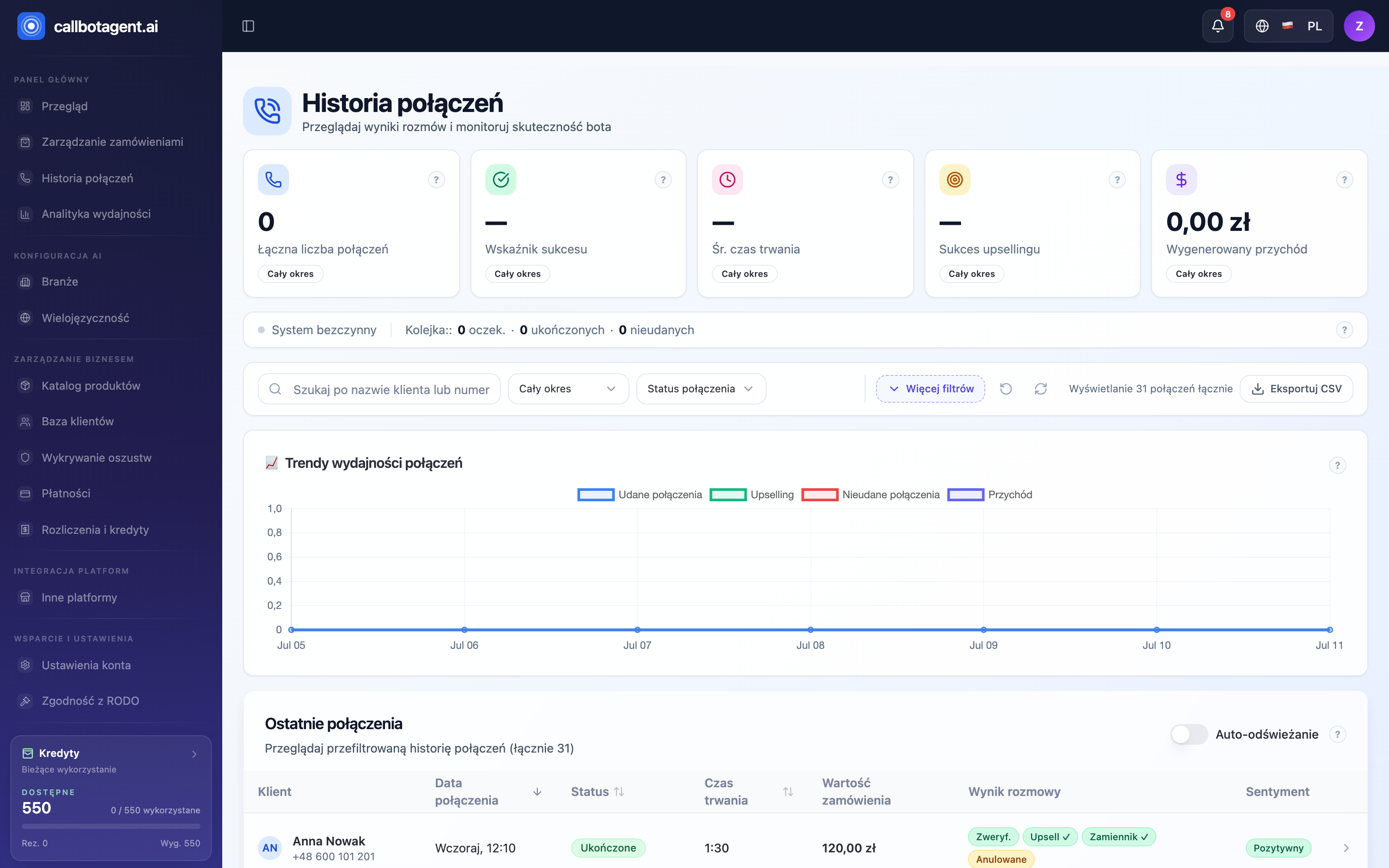 Call list — statuses and outcomes as first clue why connection failed. Sample data (demo).
Most common causes
| Cause | How to check | How to fix |
|---|---|---|
| Outside calling window | customer market hours/days | wait for window or adjust hours and days |
| Number on DNC list | DNC list in Privacy | remove from DNC if the customer agreed to contact again (DNC) |
| Missing or wrong number | contact data on order | add number in +E.164 format |
| Retries exhausted | call attempt history | natural end — see attempt history |
| No credits | balance in Billing | top up account (credits) |
| Order did not qualify | qualification rules in Settings | adjust qualification |
| Store not ready | readiness blockers | clear blockers (readiness) |
Step-by-step diagnosis
Check call status
Open the order and see status in the 📞 column. "No call" means it never entered the queue; "Call failed" means attempts were exhausted.
Narrow the category
Decide if the issue is qualification (filtered out), DNC list, calling window, credits, or phone number.
Fix the source
Use the "How to fix" column in the table above and the linked article.
A Do Not Call entry is a hard block. The bot never calls a number on the DNC list — even when all other conditions are met. Customer consents are documented by the system but not checked before a call — the lawful basis for contact is your decision as the data controller.
When the cause is still unclear
If status shows "Call failed" but retries were not exhausted, the cause may be no answer or busy signal on the customer side — retry schedule is in Calling rules: retries and DNC.